Define the system
Create declarative agents, model profiles and deployments, tool catalogs and governed configuration.

Open source · Self-hosted
Agentstration lets you declare agents and model profiles, compose them into versioned visual flows, distribute reusable Packs, then execute and track delegated work from the Console and Workplace. Agent execution currently runs through Microsoft Agent Framework.
What Agentstration enables
Agentstration covers the complete path from governed definitions to the durable result delivered to a user.
Create declarative agents, model profiles and deployments, tool catalogs and governed configuration.
Assemble agents and tools into versioned visual flows, then share installable experiences as Packs.
Run work through MAF, manage human interactions and durable Work Items, and follow runs, results and failures in the Console and Workplace.
Flow execution models
Choose a structured Flow when the application owns the path, or an Orchestration when several agents must cooperate through a dedicated strategy.
Route and process work through a visible, versioned execution model.
Send the request to one known Agent.
Select one Agent from declared destinations. Deterministic selection is available today.
Run an explicit graph of typed steps, conditions and transitions.
Multi-agent orchestration relies on an agent runtime. Agentstration natively integrates Microsoft Agent Framework (MAF) today to execute these five strategies while preserving one observable FlowRun.
NATIVELY INTEGRATED RUNTIME · MICROSOFT AGENT FRAMEWORK↗Each Agent enriches the result in declaration order.
Agents work independently from the same initial request.
The active specialist transfers control through declared routes.
Agents contribute to a bounded shared conversation.
A dedicated manager adapts the plan and selects the next specialist.
From orchestration to user experience
An Entry is a declarative access point published into a Workspace. It connects a user-facing experience to an agent or a versioned flow without exposing runtime, provider or orchestration details.
It defines the presentation, expected inputs and execution target. The same building block can become a prompt, a form or a conversation in the Workplace.
What the user experiences
The Workspace organizes Entries as primary, featured or standard experiences so people immediately see what they can launch.
Submitting an Entry opens a conversation that keeps the request, follow-ups and any input, choice, confirmation or approval needed along the way.
When execution is required, the technical Work Item becomes a readable Task. Progress, results, downloadable artifacts and notifications remain available in the Workplace.
Agent runtime
Agentstration governs definitions, work and orchestration. Its Runtime Plane materializes agents and delegates their execution to an agent runtime. The current built-in adapter integrates Microsoft Agent Framework (MAF), isolated behind stable, provider-neutral contracts.
MaterializeTurn governed agent definitions into executable runtime instances.
ExecuteRun agents through MAF while keeping provider selection outside the orchestration model.
ObserveNormalize lifecycle events, progress and results back into Agentstration.
Model provider integrations
Agentstration integrates Ollama, llama.cpp and LocalAI through AEP. Each runtime keeps its own strengths while model profiles, capabilities and tools remain governed consistently by the platform.
Run and discover local models with streaming, tool calls and usage reporting.
Operate lightweight local deployments and expose only the capabilities the server actually supports.
Connect a broad local model ecosystem while keeping discovery, streaming and tool use inside Agentstration’s governance boundary.
Agents reference a governed model profile—not a vendor endpoint or credential—so the underlying runtime can change without redesigning orchestration.
Governed tool execution
Agentstration applies the platform’s rules before a tool is exposed or invoked. Sensitive actions can require human approval, and every decision remains traceable alongside the work that produced it.
Allow, restrict or block tools according to the Workspace and execution context.
Bring sensitive decisions to the user inside the ongoing Workplace interaction.
Record governance decisions and tool execution as durable, inspectable activity.
Core building blocks
Every concept has a focused role, so the platform stays understandable as your system grows.
Purposeful units with defined instructions, capabilities and provider settings.
Explicit orchestration that turns agent steps into repeatable work.
A provider-neutral layer for choosing the right model for each job.
Contract-based integrations that expand the platform without tight coupling.
The human-facing environment where people launch and follow work.
Distinct planes for configuration and dependable execution.
One control plane, the whole ecosystem
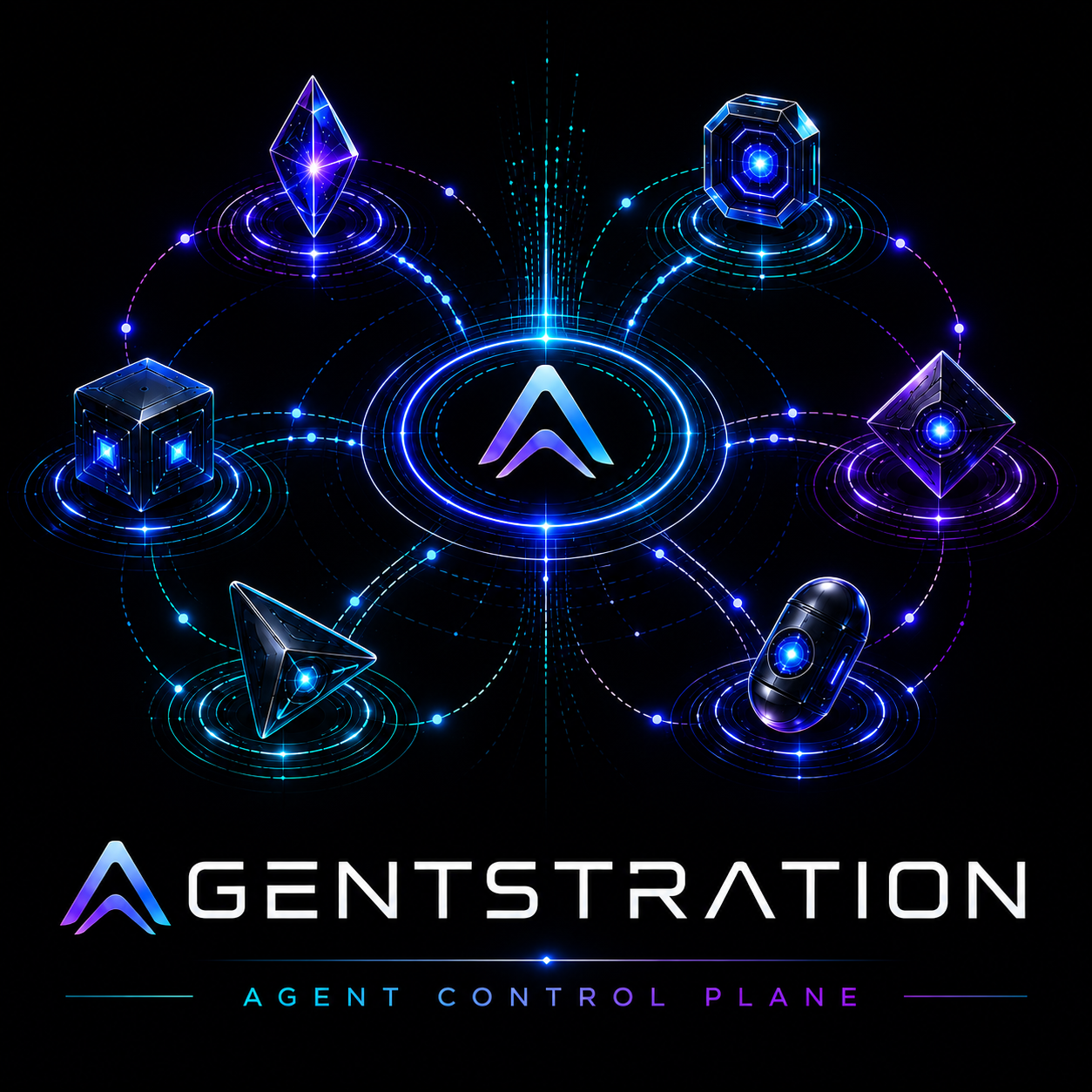
Agentstration connects agents, model providers, tools, extensions and user surfaces without locking them into one process or a mandatory cloud.
Local-first by design
Run Agentstration close to your data and tools. Add cloud services when they earn their place, without making a hosted platform mandatory.
Keep the control plane and workloads where they belong.
Connect hosted capabilities selectively, on your terms.
Match models to workloads without redesigning the system.
Build around explicit contracts and replaceable components.
Architecture at a glance
People work through a focused Workplace. Flows coordinate agents. Agents use model providers, tools and extensions. Management defines the system; Runtime executes it.
Take the architecture tour→
Extension architecture
AEP—the Agentstration Extension Protocol—is Agentstration’s native extension model. It defines how the platform discovers, connects to and invokes capabilities running outside the main process, with safer boundaries, broader technology choice and independent lifecycles.
Discover the extension model→Already operational
Operators govern the platform in the Console. People delegate and follow work in the Workplace. Both share the same durable application services and explicit contracts.
Manage agents, model profiles, tool catalogs, flow versions and runtime runs.
What do you want to accomplish?
Publish entries, delegate work, continue interactions and retrieve durable results.
Build the system around your agents
Explore the architecture today. Connect to the project as public resources become available.